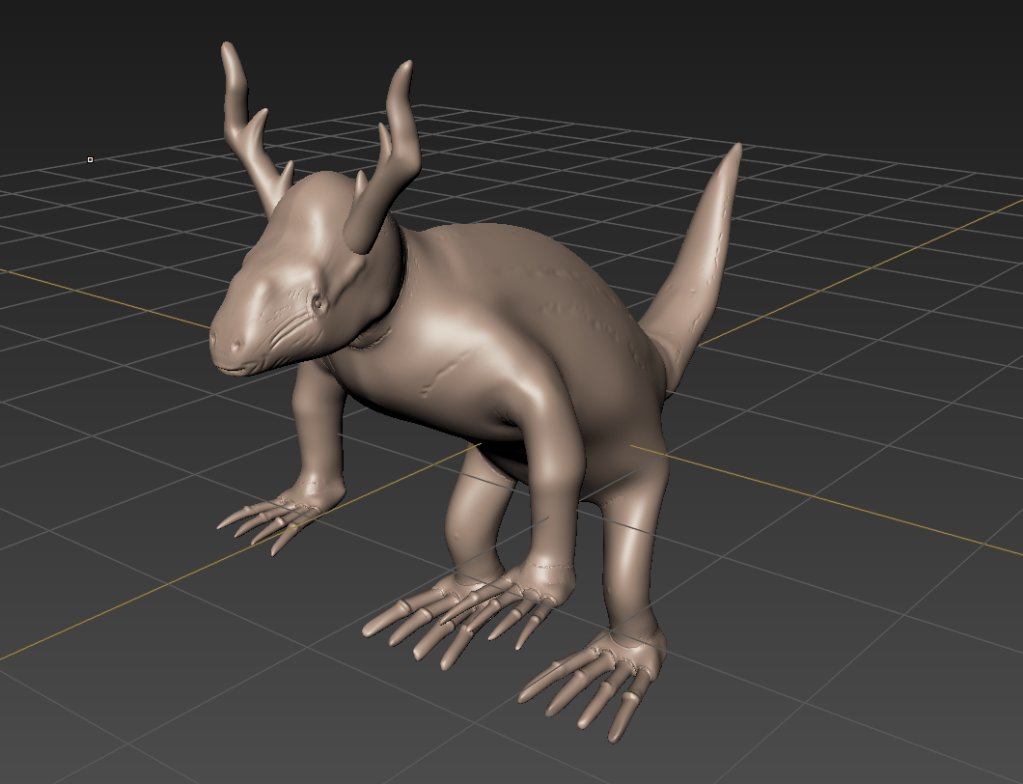
After blocking in my creature using primitive shapes, it was time to get into Mudbox and to start slowly sculpting my creature. Digital sculpting is the equivalent to physically sculpting with clay, I would start to define my creatures shape (body, head, legs etc.) and eventually start start to define the finer details (wrinkles, eyelids, nostrils, mouth etc.).
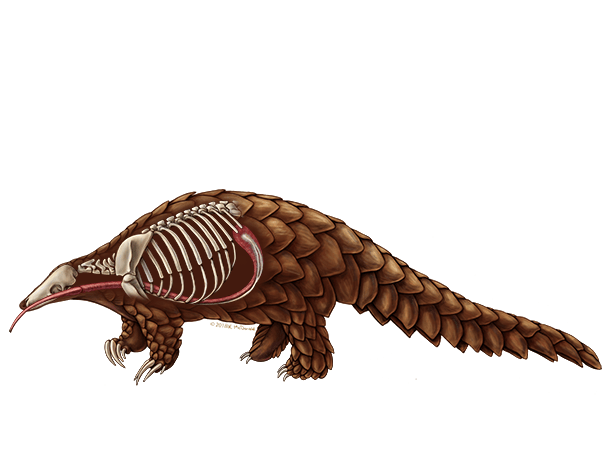
Having multiple reference images would help me with digital sculpting. As I was needing to achieve the shape and anatomy of a pangolin, I had a few references images the were most effective on displaying the body and the movement of the animal itself. Here are some reference images I used whilst sculpting my creatures overall body including the legs and claws/feet.
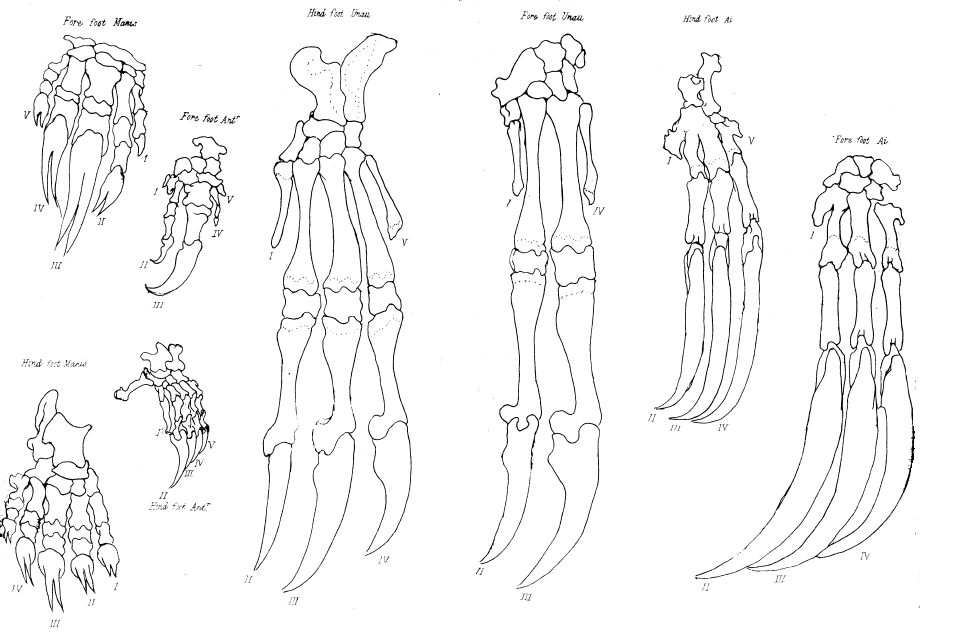
Anatomy Research
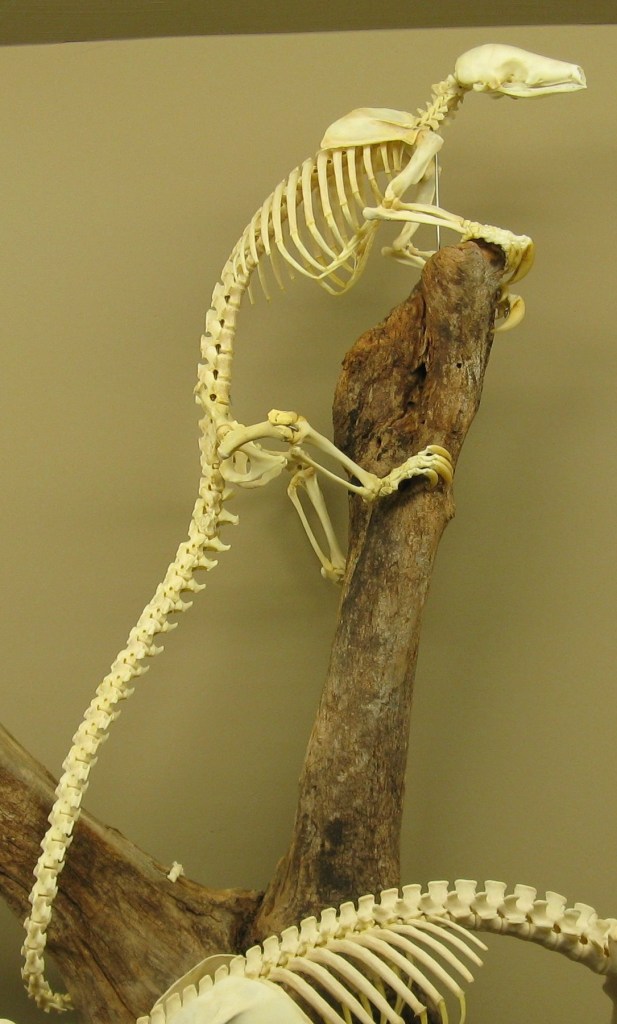
I also read some articles reflecting on the anatomical studies of Pangolins, sadly I wasn’t able to find a lot of information regarding the Pangolins anatomy. Here are some articles and websites I researched to gain a deeper insight.
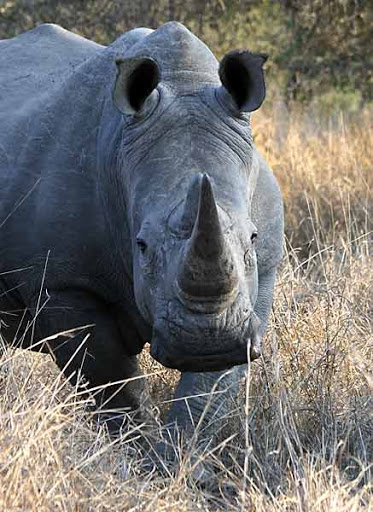
I followed the same process, thinking about how I was going to sculpt my Rhinoceros head to make it flow with the body.
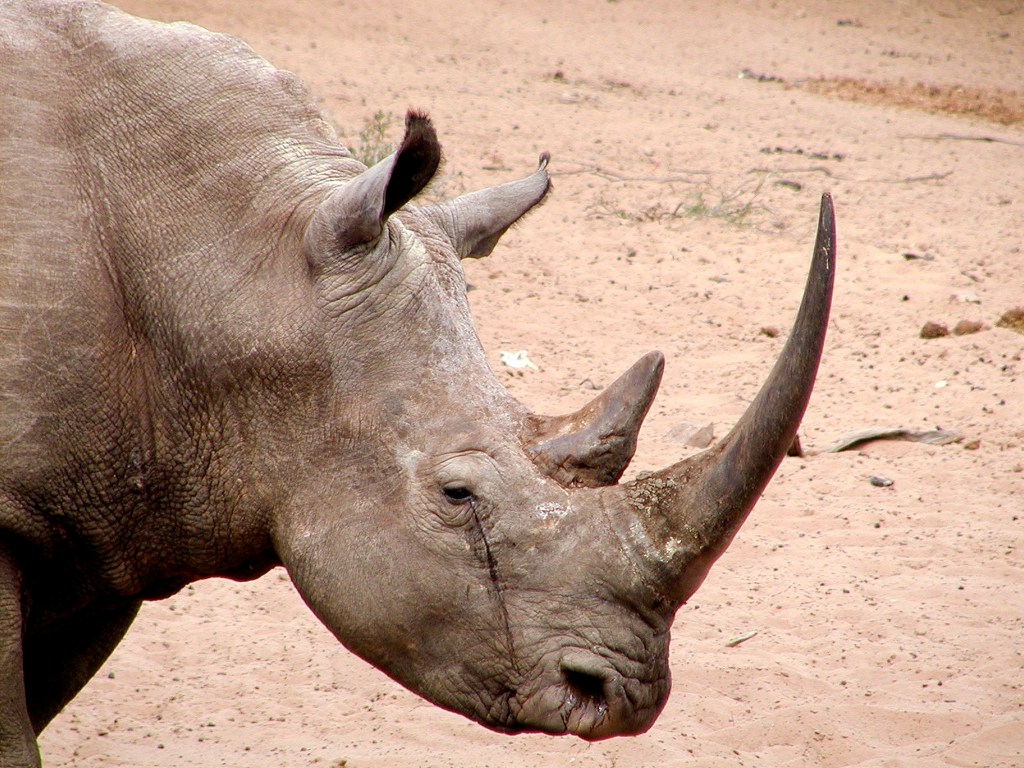
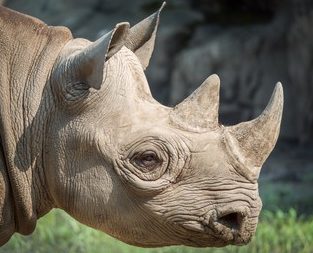
Digital Sculpting In Mudbox
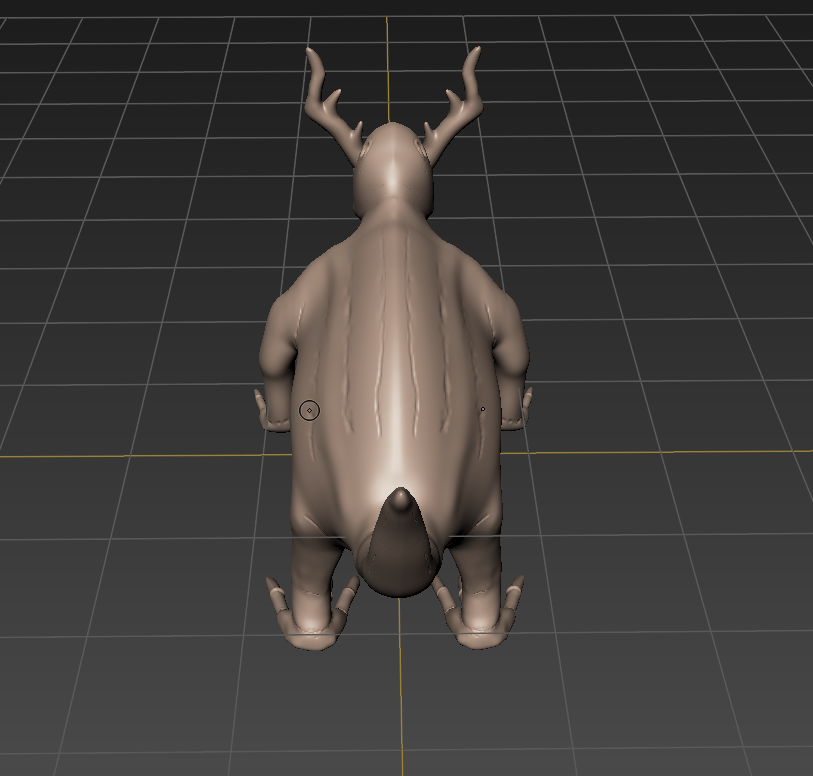
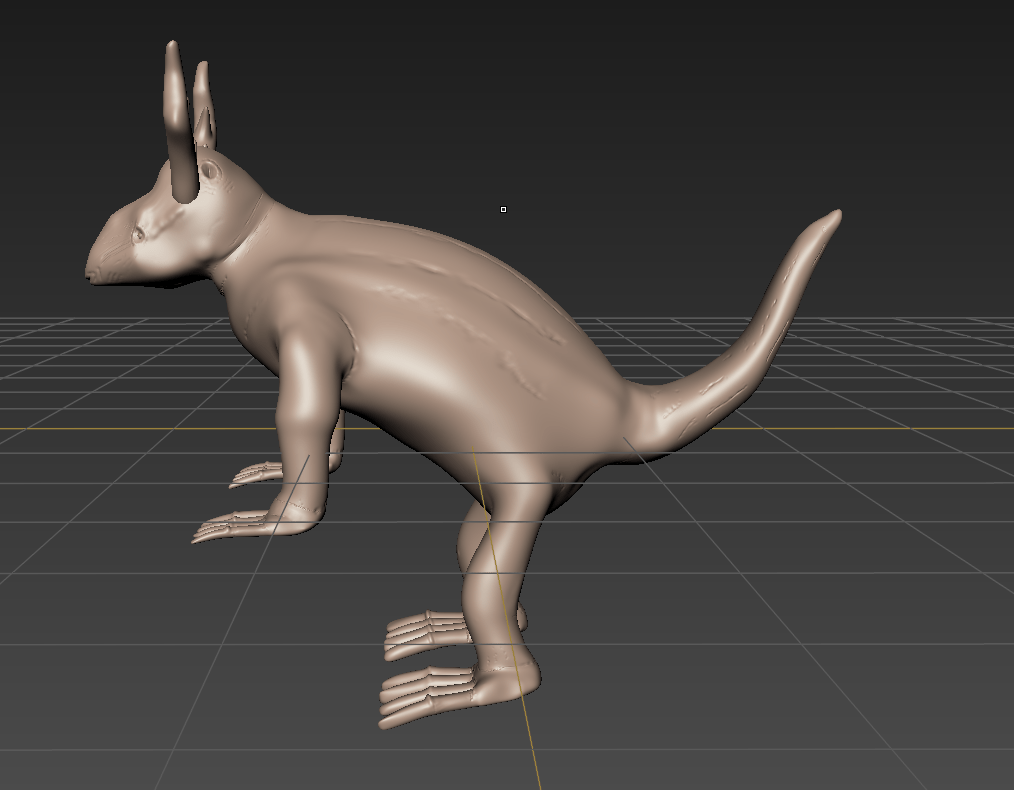
After gaining information of the anatomy, my digital sculpting was underway. The main tools I used in Mudbox to sculpt were the Sculpt, Smooth, Grab, Wax, Knife and Buldge tools. I’ve included some screen shots to show the results.
 Blake's Blog